
Long-term time-lapses without the flicker.
Most time-lapse cameras take one photo per interval and hope the weather plays along. SmoothLapse turns a Raspberry Pi into a camera that shoots all day, judges every photo as it’s taken, and keeps only the one that best matches the last. You get smooth footage made entirely from real, unedited photos.
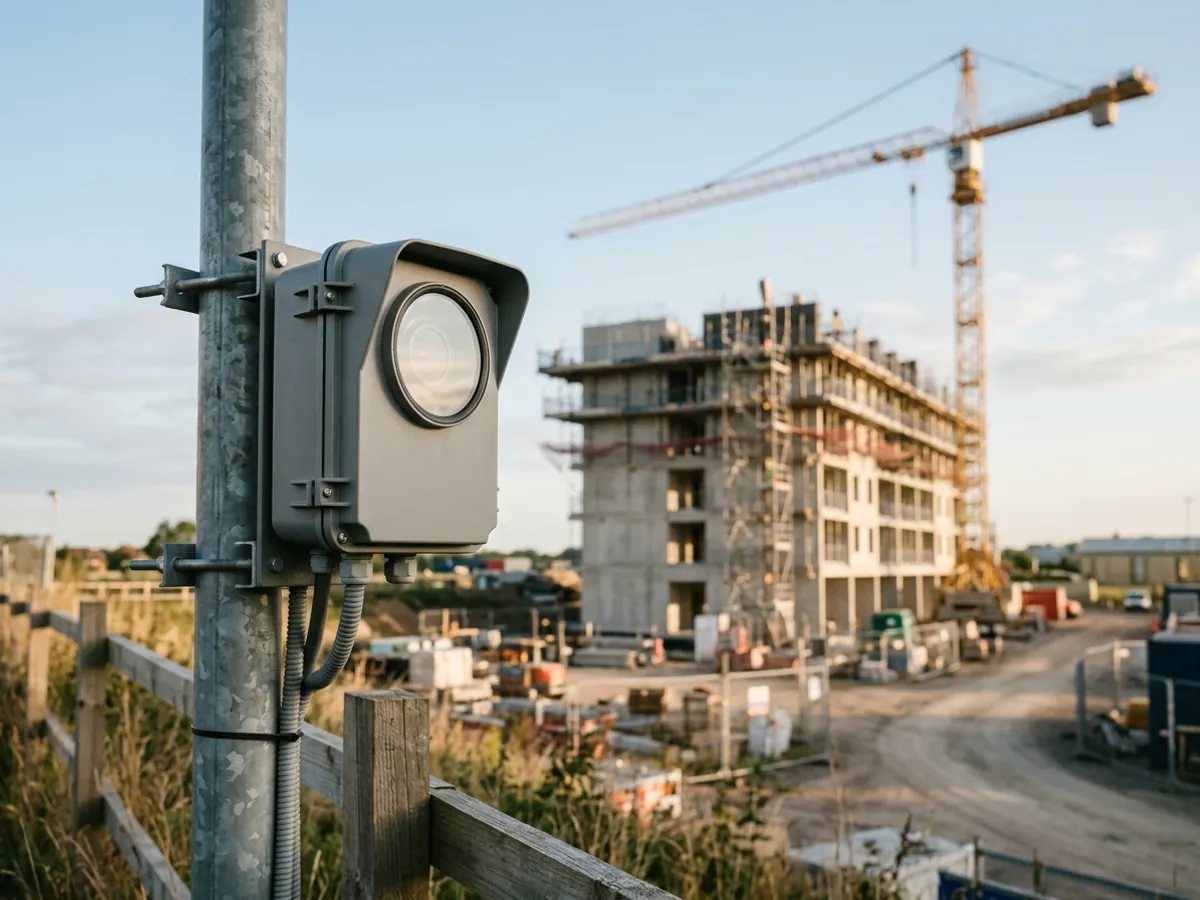
How it works
Shoot everything. Keep the best match.
A regular time-lapse gets one chance a day to catch good light. SmoothLapse gets tens of thousands, and only keeps the winner.
Shoot all day
The camera takes photos continuously through the daylight hours, instead of firing once at a fixed time.
Judge each photo as it arrives
Every photo is compared with the one kept for the previous period. Photos that are too dark, too bright, or too close to the edge of a period are ruled out.
Keep the winner, bin the rest
Only the strongest candidates are kept, so a year of shooting takes up about as much space as an ordinary time-lapse. When you’re ready, turn it into a video.
Why time-lapses flicker
Same spot, same time, two very different days.
A regular time-lapse takes one photo at noon and keeps whatever it gets. Over months, hard sun one day and gloom the next turn into a film that strobes and flickers.
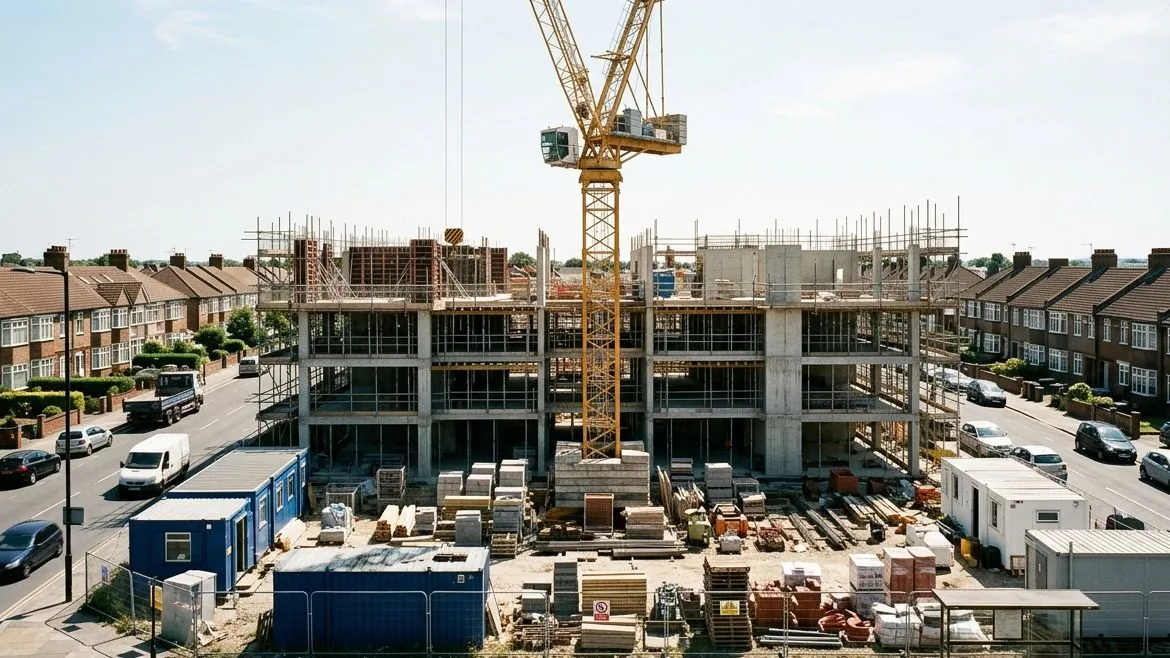
Noon, Tuesday
Bright sun: hard light and a pale, washed-out sky.
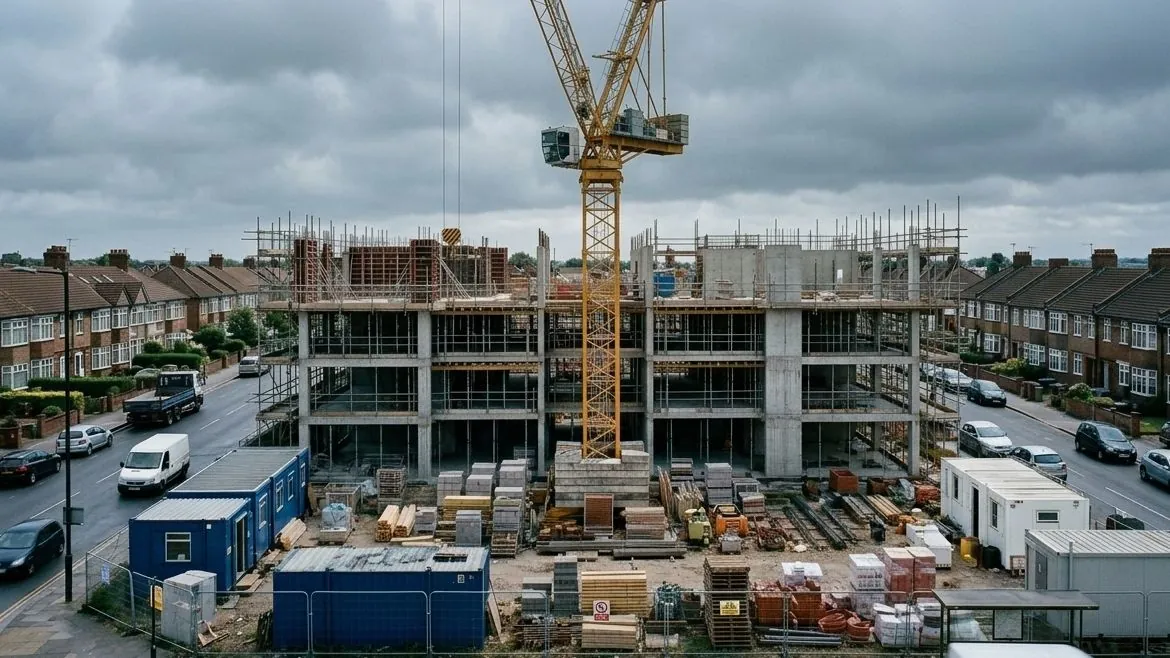
Noon, Wednesday
Heavy cloud: flat, dark and blue-grey.
SmoothLapse doesn’t wait for noon. It watches all day and keeps the photo that best matches the one before, so neighbouring frames look alike. More on why time-lapses flicker
Why it works
Fixing flicker afterwards only goes so far.
40,000Roughly how many photos SmoothLapse can choose from on a long summer day, shooting about once a second. A regular time-lapse gets one.
- Every frame is a real photo
- SmoothLapse never edits pixels. It chooses which photos to keep, so every frame in your film is exactly what the camera saw.
- It fixes more than brightness
- Deflicker software evens out the overall brightness of each frame. It can’t move a cloud’s shadow, soften harsh midday contrast or turn a grey day sunny. Picking a better photo can.
- No more culling by hand
- Professionals over-shoot and then spend days throwing frames away. SmoothLapse does the culling as it goes, so it can consider far more photos without filling a disk.
- Plays nicely with your tools
- The result is an ordinary image sequence. If you still want to deflicker or grade it afterwards, you can, and you’ll be starting from much better material.
Use cases
Made for projects that take months, not minutes.
SmoothLapse shines when there’s plenty of time between frames: one an hour, one a day, one a week. That’s where a fixed schedule suffers most from the weather.
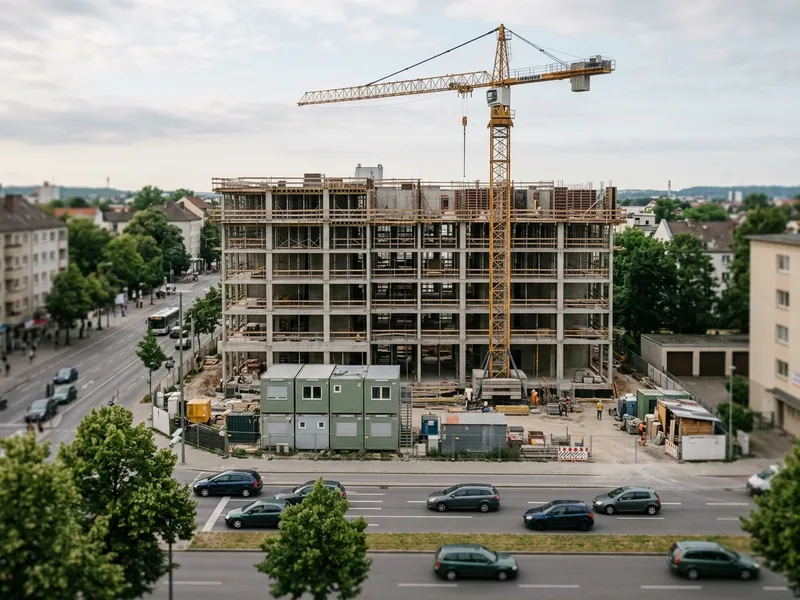
Construction
Show a build from groundworks to handover, without a gloomy Tuesday spoiling every other frame.
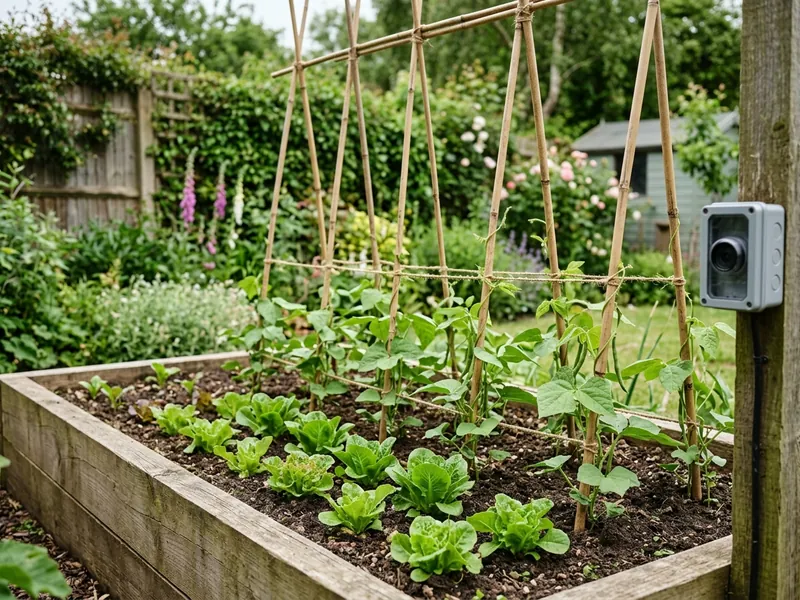
Gardens and plants
Watch a season of growth unfold in a minute, from bare soil to full bloom.
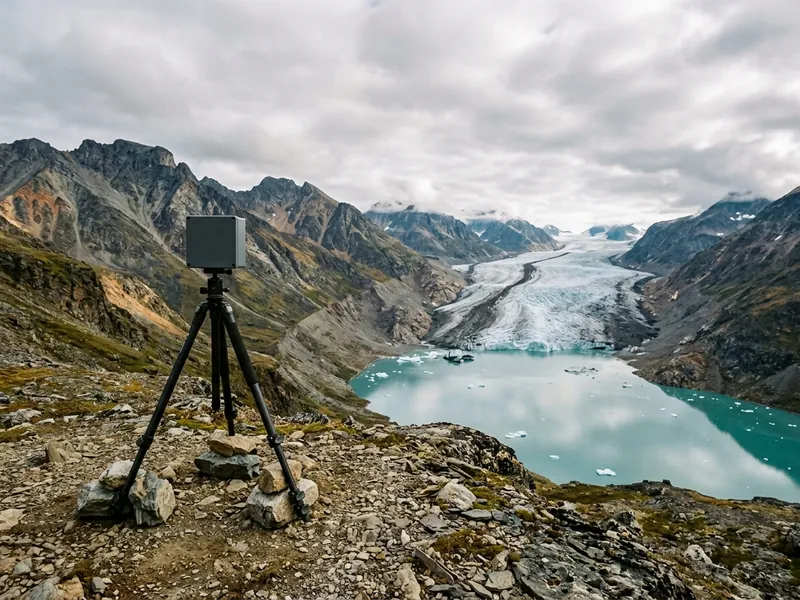
Nature and landscapes
Glaciers, coastlines, rivers and forests regrowing, recorded over seasons and years.
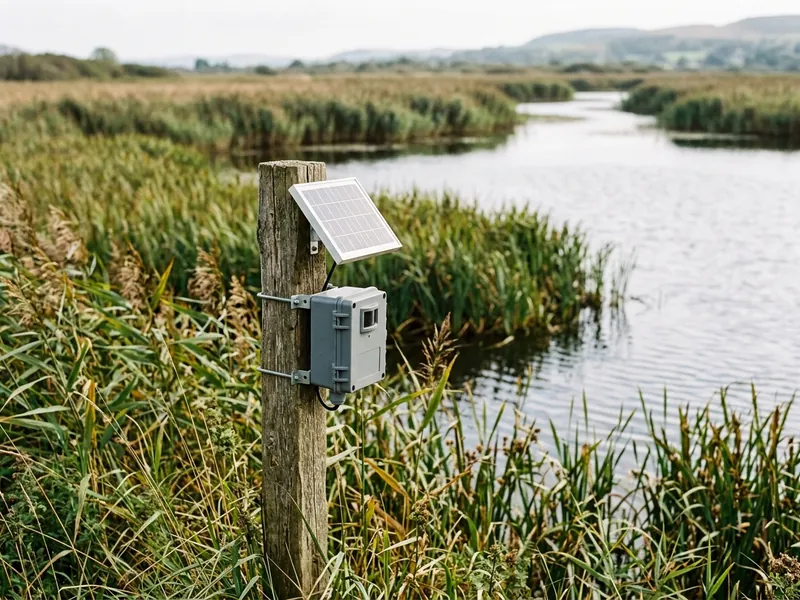
Science and monitoring
Consistent, unedited frames that are easier to compare, measure and trust.
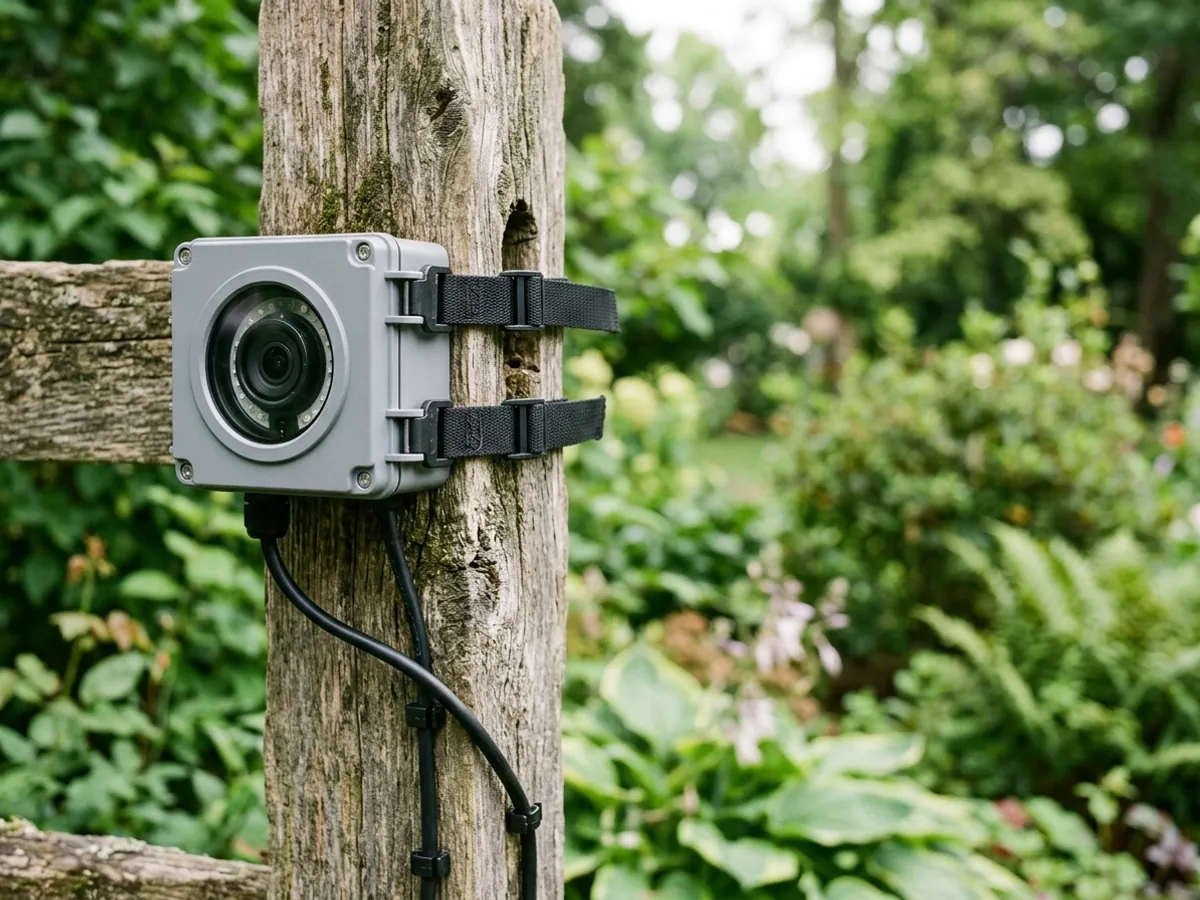
The hardware
A small computer does what a camera can’t.
An ordinary camera and intervalometer can only fire on a schedule. A Raspberry Pi has the processing power to look at every photo and decide whether it’s worth keeping, right there on the device.
SmoothLapse runs on a Raspberry Pi with an official Raspberry Pi camera module. It’s small enough to tuck into a weatherproof case and leave on site for months. We’ll publish the exact list of supported boards and cameras before launch.
FAQ
Questions, answered.
When can I get SmoothLapse?
We don’t have a date to share yet. The first version ran from 2020 to 2021, and SmoothLapse is now being rebuilt for current Raspberry Pi hardware and software. Join the early-access list and you’ll hear as soon as it’s ready.
What will I need?
A Raspberry Pi, an official Raspberry Pi camera module, a power supply, and somewhere sheltered to put it (or a weatherproof case). The supported models will be confirmed before launch.
Does SmoothLapse edit my photos?
No. It only decides which photos to keep. Every frame in the final video is an untouched photo, exactly as the camera took it.
What happens at night?
Photos that are too dark or too bright are ignored, so night-time and washed-out frames never make the cut. You can also set the camera to sleep overnight.
Does it work for short time-lapses?
It works best with plenty of time between frames: an hour, a day, a week. With less than about a minute between frames there aren’t enough photos to choose from, and a regular time-lapse does the job just as well.
Can I record a regular time-lapse too?
Yes. You can record an ordinary one-photo-per-interval time-lapse alongside a SmoothLapse, which is a good way to see the difference for yourself.
How much will it cost?
Pricing isn’t settled yet. People on the early-access list will hear about it first.
From the blog
Read more.
- SmoothLapse is coming backWhat happened, what’s changing, and what stays the same.
- Why long-term time-lapses flicker, and what you can do about itThe six usual culprits, and which ones you can actually fix.
- Over-shoot, deflicker or select? Three ways to a smooth long-term time-lapseThree ways to a smooth long-term time-lapse, compared.
- Planning a year-long Raspberry Pi time-lapse: a checklistA checklist for camera, power, storage and weather.
Be first to try SmoothLapse.
Leave your email and we’ll tell you when SmoothLapse is ready. You’ll also get the odd behind-the-scenes update while it’s being rebuilt. No spam, and you can unsubscribe at any time.